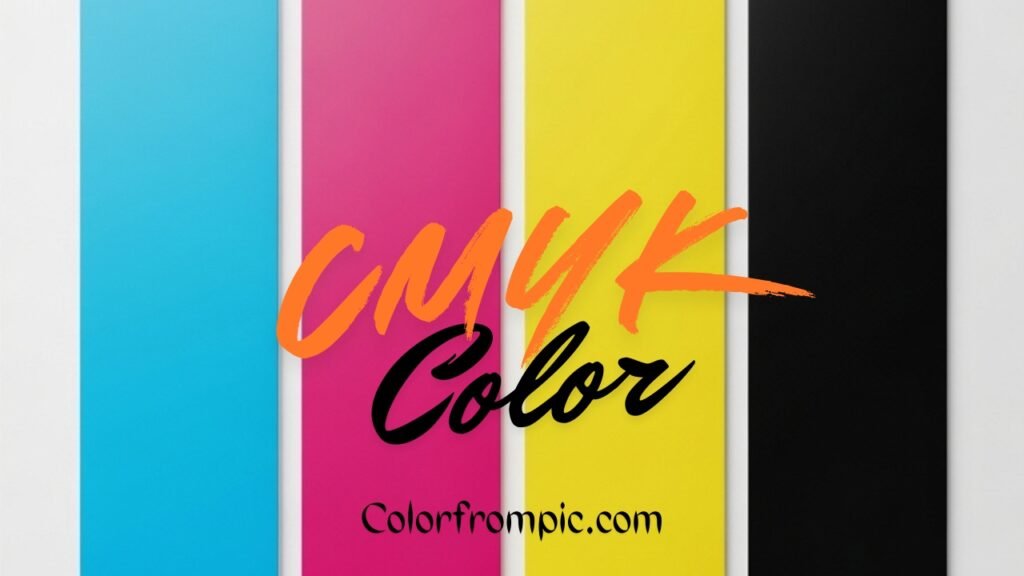
What Is CMYK Color? Basics of Print Color Models
Color plays an essential role in design, whether it’s for print or digital media. One of the most critical color models in the printing world is CMYK. But what exactly is CMYK color, and how does it work? If you’ve ever worked with print materials or designed graphics for brochures, flyers, or posters, understanding CMYK color is crucial. This article will dive into the CMYK color model, its components, how it works, and why it’s essential for professional printing.
What Is CMYK Color?
CMYK stands for Cyan, Magenta, Yellow, and Key (Black). These are the four colors used in the subtractive color model. This model is used in color printing and is the standard for most commercial and industrial printing processes.
In the subtractive model, colors are created by mixing various percentages of the four ink colors: cyan, magenta, yellow, and black. The combination of these inks absorbs (or subtracts) light, which is how we see color. For example, mixing cyan and yellow creates green, while combining magenta and yellow results in red.
Why Is CMYK Important in Printing?
CMYK is the standard color model used in the world of print because it represents the way printers work with ink. Unlike the RGB model, which is used for screens and digital displays, CMYK is designed for physical media where inks are layered on paper.
In digital screens, colors are created by adding light, which is why the additive color model of RGB (Red, Green, Blue) works best. However, in print, the inks mix together, and that’s where the subtractive model (CMYK) comes into play. By using the four primary inks, printers can produce a wide spectrum of colors, with the ability to mix and match the ink percentages for different shades and hues.
The Four Colors of CMYK Explained
-
Cyan (C):
-
Cyan is a greenish-blue color. It’s one of the primary inks in the CMYK color model and serves as a starting point for many cool tones in print. When mixed with yellow, it produces shades of green.
-
-
Magenta (M):
-
Magenta is a purplish-red color. It’s another essential ink in the CMYK system, and it’s often used to create reds and purples when mixed with yellow.
-
-
Yellow (Y):
-
Yellow is one of the primary colors of the CMYK color model. It helps create a wide range of warm hues, especially when combined with magenta and cyan.
-
-
Key (Black) (K):
-
The Key color, also known as black, is crucial for adding depth and contrast to printed materials. While the other inks mix to form various shades, black is necessary for achieving true, deep blacks and for providing the necessary shading and detail to the final print.
-
How Does the CMYK Color Model Work?
Unlike RGB, where colors are created by adding light to the screen, the CMYK color model works by subtracting color. Here’s how it works:
-
Subtractive Mixing:
-
When inks are layered on top of each other, they absorb (subtract) certain wavelengths of light. For instance, cyan ink absorbs red light, while magenta absorbs green light. Yellow absorbs blue light.
-
When these inks are mixed in different proportions, they subtract different wavelengths of light, which results in the perception of a new color.
-
-
Combining Colors:
-
The magic of CMYK lies in how the inks mix. For example, if cyan and magenta are mixed, the resulting color is blue. Similarly, mixing cyan and yellow results in green. The exact shade depends on the percentage of each ink used.
-
-
The Role of Black (K):
-
Black ink is used in printing for deeper contrasts and finer details. Without black, printing would rely on overlapping cyan, magenta, and yellow to create dark areas, which often results in a muddy appearance. Adding black ink ensures rich, true blacks and makes the printed material look more professional.
-
CMYK vs. RGB: Key Differences
It’s essential to understand the difference between the CMYK and RGB color models, especially for those involved in both print and digital design. Here’s a quick comparison:
| Aspect | CMYK | RGB |
|---|---|---|
| Model Type | Subtractive Color Model | Additive Color Model |
| Usage | Used in color printing | Used in digital screens (TV, web, etc.) |
| Primary Colors | Cyan, Magenta, Yellow, Black (Key) | Red, Green, Blue |
| How Colors Are Created | By subtracting light (ink absorption) | By adding light (light emission) |
| Best for | Print (posters, brochures, etc.) | Screens (computers, phones, etc.) |
Understanding these differences is critical for anyone working in both print and digital media. When designing for print, converting RGB colors to CMYK ensures that your printed materials match your digital designs as closely as possible.
How to Convert RGB to CMYK
Converting colors from RGB to CMYK is essential when preparing digital artwork for print. While the RGB model relies on the combination of light, CMYK uses ink, meaning there are inherent differences in how colors appear in both models.
To convert RGB to CMYK, the general approach is:
-
Normalize the RGB values:
-
Convert each color value to a percentage (0-1 range), where 255 is the maximum value (100%).
-
-
Calculate the K (black) value:
-
K = 1 – max(R, G, B)
-
-
Calculate the C, M, and Y values:
-
C = (1 – R – K) / (1 – K)
-
M = (1 – G – K) / (1 – K)
-
Y = (1 – B – K) / (1 – K)
-
-
Adjust for CMYK range:
-
Once you have the CMYK values, you may need to adjust the percentages to match the printer’s specifications.
-
Why is CMYK Color So Important for Printing?
The CMYK color model is an essential tool for ensuring that designs appear vibrant and accurate in print. Whether you’re printing a business brochure, a book, or a poster, understanding CMYK helps you:
-
Achieve Accurate Color Reproduction:
-
By using CMYK, you ensure the colors in your printed material match your expectations and brand guidelines. This is particularly crucial for branding, where color consistency across print materials is vital.
-
-
Optimize Printing Costs:
-
By understanding how colors mix, you can optimize the amount of ink used in a print job, potentially reducing costs.
-
-
Ensure Professional Quality:
-
Professional printing presses use CMYK to produce high-quality printed materials. Understanding how this model works allows designers to create files that will print as expected.
-
CMYK Color in Graphic Design
Graphic designers should be familiar with CMYK when working on print projects. The color model ensures that designs, logos, and images appear as expected when printed, preventing issues like color shifts or unwanted shades.
Tips for Working with CMYK:
-
Work in CMYK Mode from the Start:
-
In graphic design software like Adobe Illustrator or Photoshop, always set your color mode to CMYK for print projects. This will help you visualize the final printed colors while you design.
-
-
Use Spot Colors When Necessary:
-
Spot colors (Pantone colors) are sometimes used in conjunction with CMYK to achieve specific shades that the four standard inks can’t reproduce accurately.
-
-
Test Print Samples:
-
Always print test samples to check how your design looks in real life. Colors can look different on screen than they do on paper, so testing ensures your design matches your vision.
-
Unlock the Power of CMYK for Better Print Design
Understanding CMYK color is an essential skill for anyone working in graphic design or print production. By mastering this color model, you can ensure that your printed materials look vibrant, professional, and true to your original designs. Whether you’re designing a flyer, a poster, or a full-fledged marketing campaign, working with CMYK ensures your colors are optimized for print.
If you’re ready to take your design skills to the next level, start experimenting with CMYK in your print projects today. Have any questions or need help with your design? Contact us for expert advice or assistance with your next print job!